
Reaching the Clarisights support team
In this article group
To get help in Clarisights, click the ? icon at the bottom right corner of the screen.
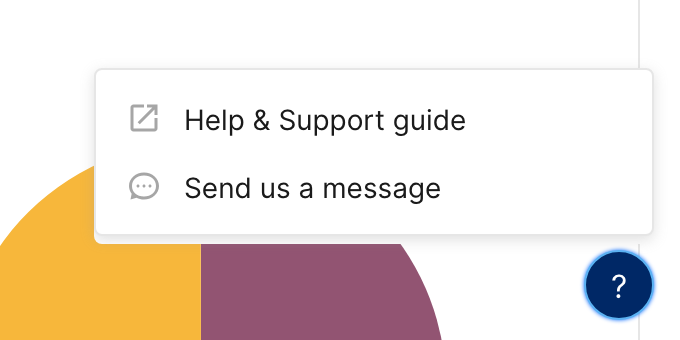
Click Send us a message to open a chat with our support team right inside Clarisights.
Click Help & Support guide to open our help center, where you can search articles that answer common product questions.
You can also email us at support@clarisights.com. We'll get back to you as soon as possible.
On a widget that shows No Data Available, you can also click Talk to us to open the same chat.
Note: The ? button appears once you are signed in. If you can't sign in, email support@clarisights.com.