
Text widget
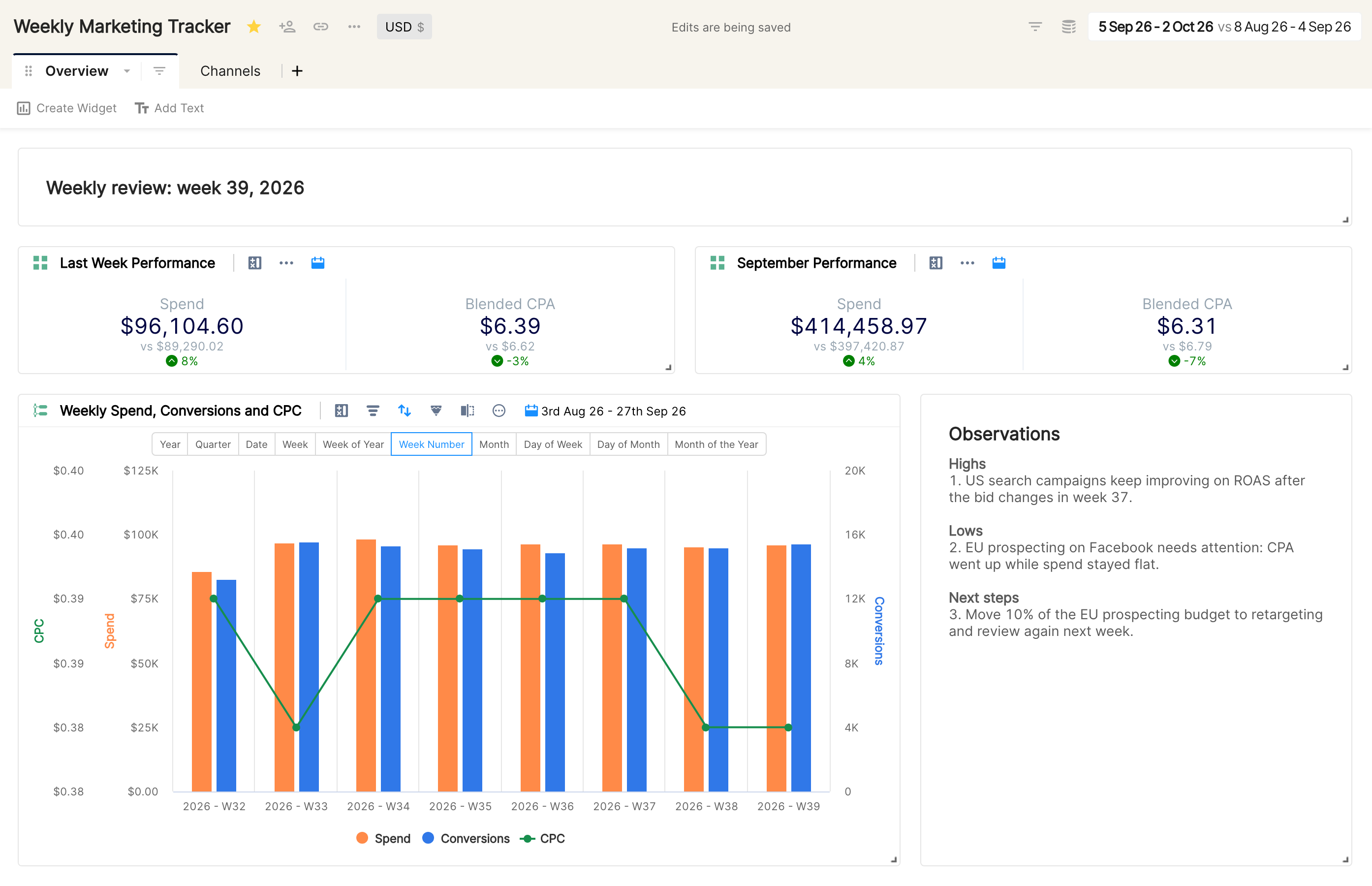
The Text widget is a multi-purpose widget for creating headings on a report or writing notes and observations about the data.
To add a text widget, click Add Text below the tab bar of your report. Here's how it works:
Best practices
Use text widgets to create clear headings for the report or for a specific widget.
Link to other Clarisights reports or to any other URL, such as a Google Doc, with the HyperLink option in the text toolbar.

Do weekly and monthly reviews on a report and note your observations in a text widget. Then create a snapshot of the report to share it with your team.
Learn about other widget types in Clarisights.