
How to integrate advertising and analytics channel into Clarisights account?
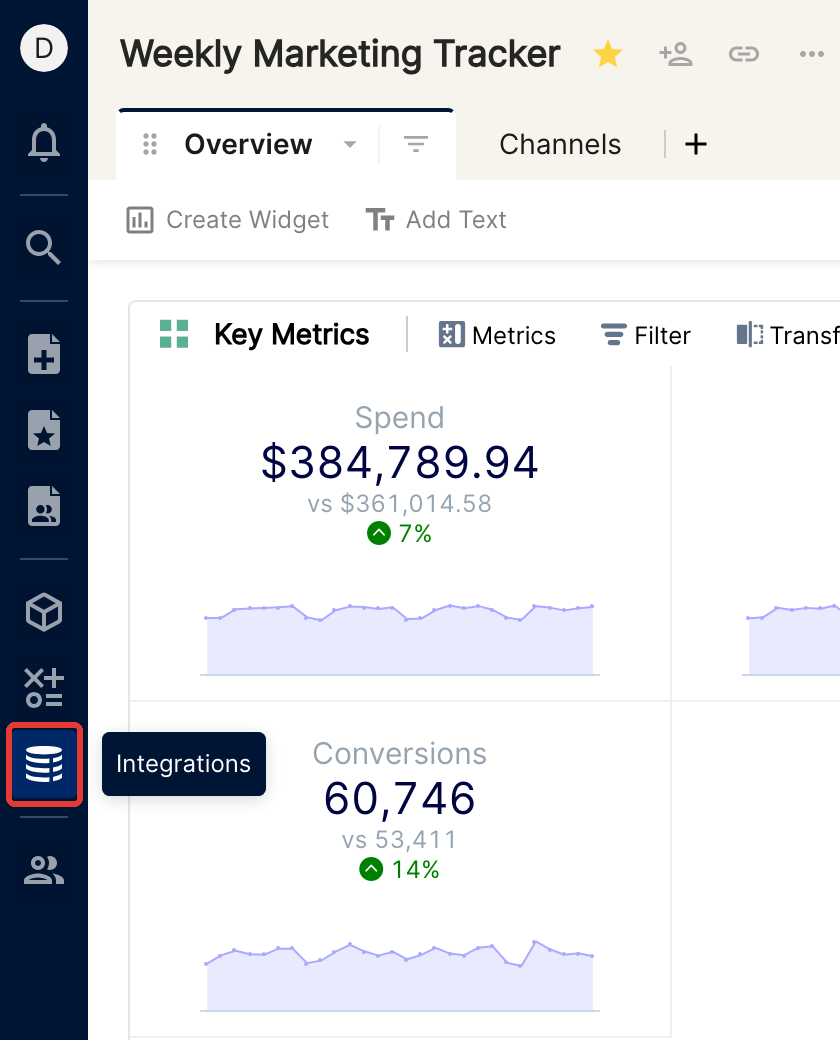
To add advertising or analytics channels to your Clarisights account, click the Integrations icon (the database stack) in the left navigation bar.
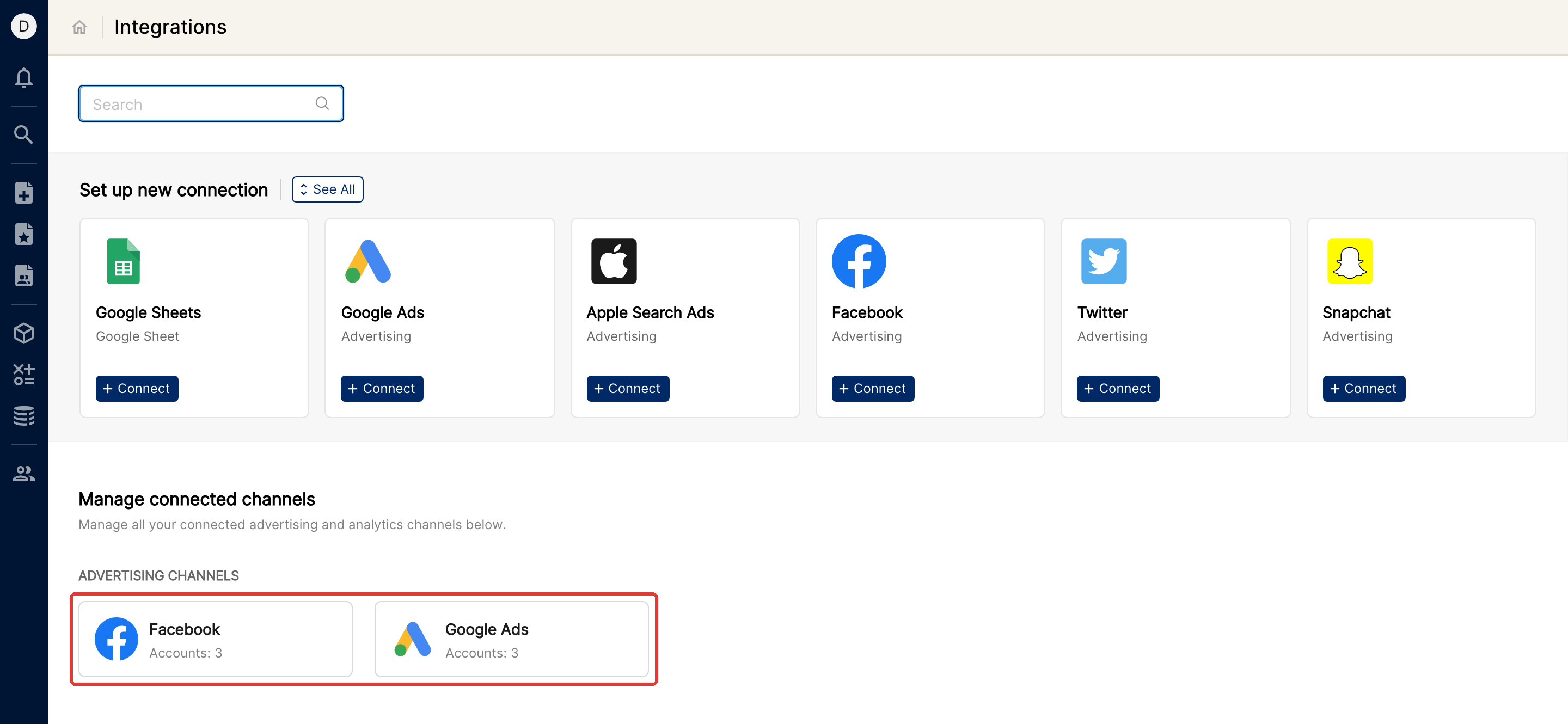
Manage connected channels
Every advertising and analytics channel you have already connected shows up under Manage connected channels on the Integrations page. Click a channel card to see its accounts and their status, and to remove or reconnect them.
Add a new channel
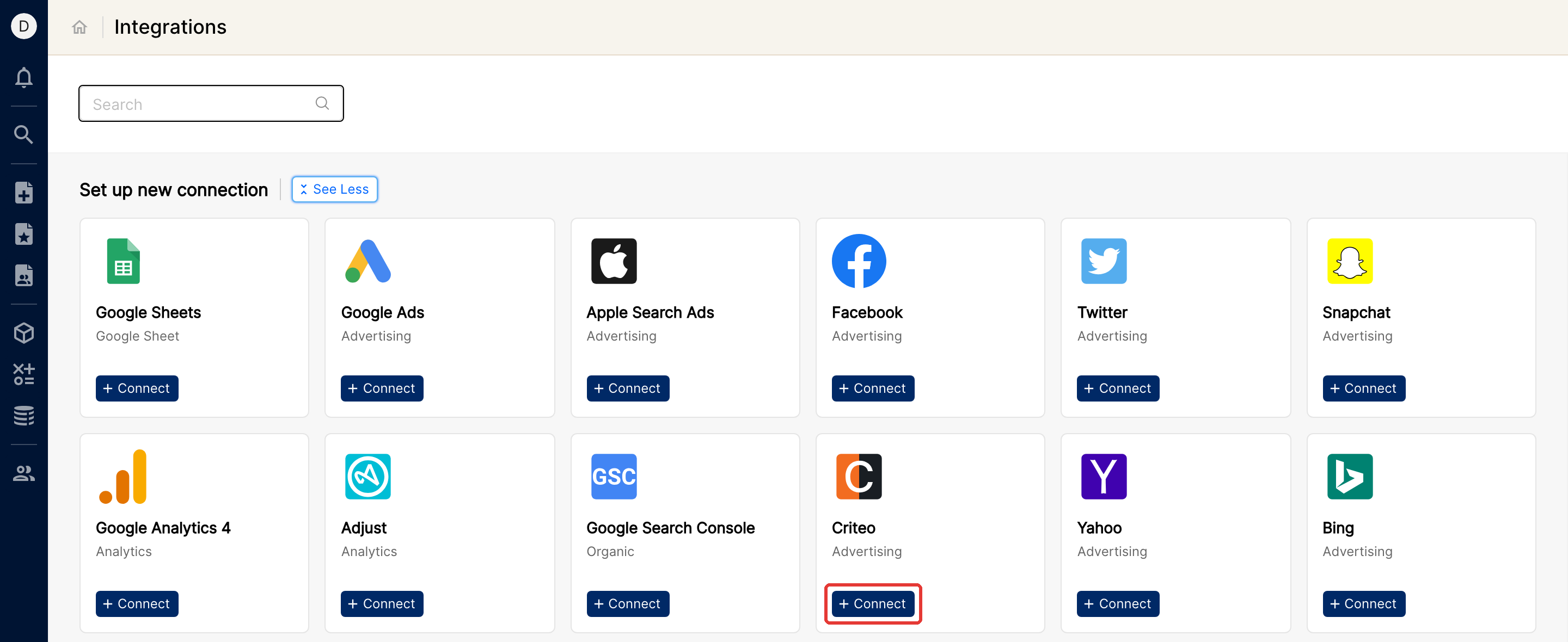
Go to Set up new connection on the Integrations page.
Click See All to browse the available platforms, or type the platform name in the Search box.
Click + Connect on the card of the platform you want to add.
Follow the instructions to connect. How you connect depends on how Clarisights integrates with each platform.
Advertising and analytics channels are both listed here, so you add an analytics channel the same way.
If you have any questions, reach us on the messenger or at support@clarisights.com.