Downloading an existing report
You can download the data from any widget in your report as a CSV file. Anyone with access to the report, including Viewers, can download widgets.
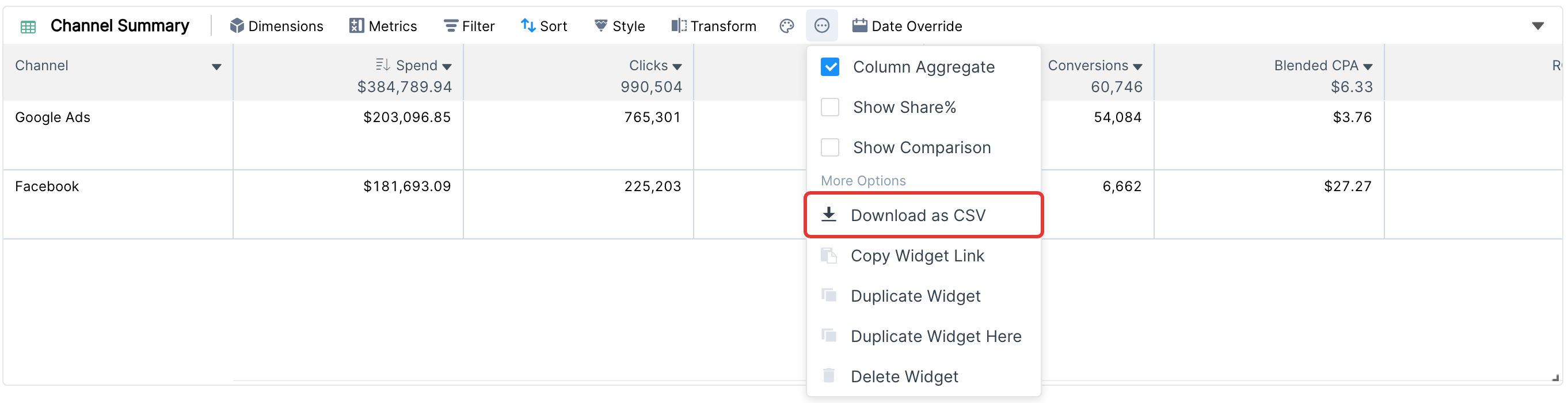
Click the ... icon in the widget's toolbar.
Under More Options, click Download as CSV.
The file is prepared in the background (usually within a couple of minutes) and the download starts automatically when it is ready. The download link is also available in the notifications (bell icon) at the top of the left sidebar.