
Setting up your Clarisights account
Your Clarisights workspace is created for you by the Clarisights team. To get started, contact us at support@clarisights.com or through your Clarisights contact.
Tip: the team member who sets up the workspace should ideally have access to all the data sources you'd like to integrate first. This person will be an Admin and can invite other team members once the data sources are connected.
Accept your invitation
You will receive an email invitation to Clarisights. Click the link in the email to set your password.
You're taken to the Clarisights platform, where a list of instructions helps you get started. Follow the link there to open the Integrations page.
Before connecting an ad channel, select your country, currency and timezone.
Important: make sure you select the right country, currency and timezone. This configuration is permanent.
Connect your advertising channels
We recommend connecting your advertising channels first and your analytics sources after that, because Clarisights shows analytics data alongside the data of your advertising channels.
Find the advertising channel under Set up new connection (use Search or click See All) and click + Connect.
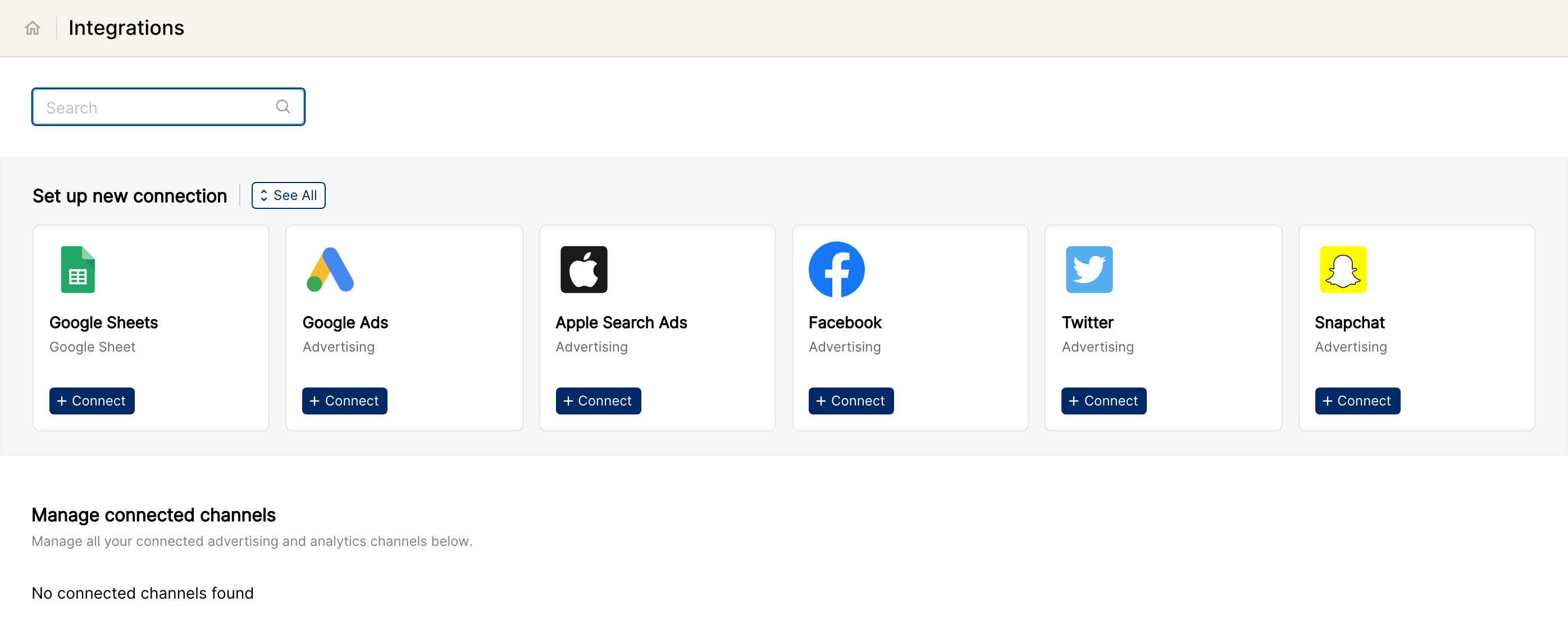
Depending on the channel, you'll be asked either for credentials to grant the required permissions, or for the tokens needed to fetch the data.
Once you've granted permission or provided the token(s), you'll see the accounts for that channel. Select the accounts you want to connect and click Connect Accounts.
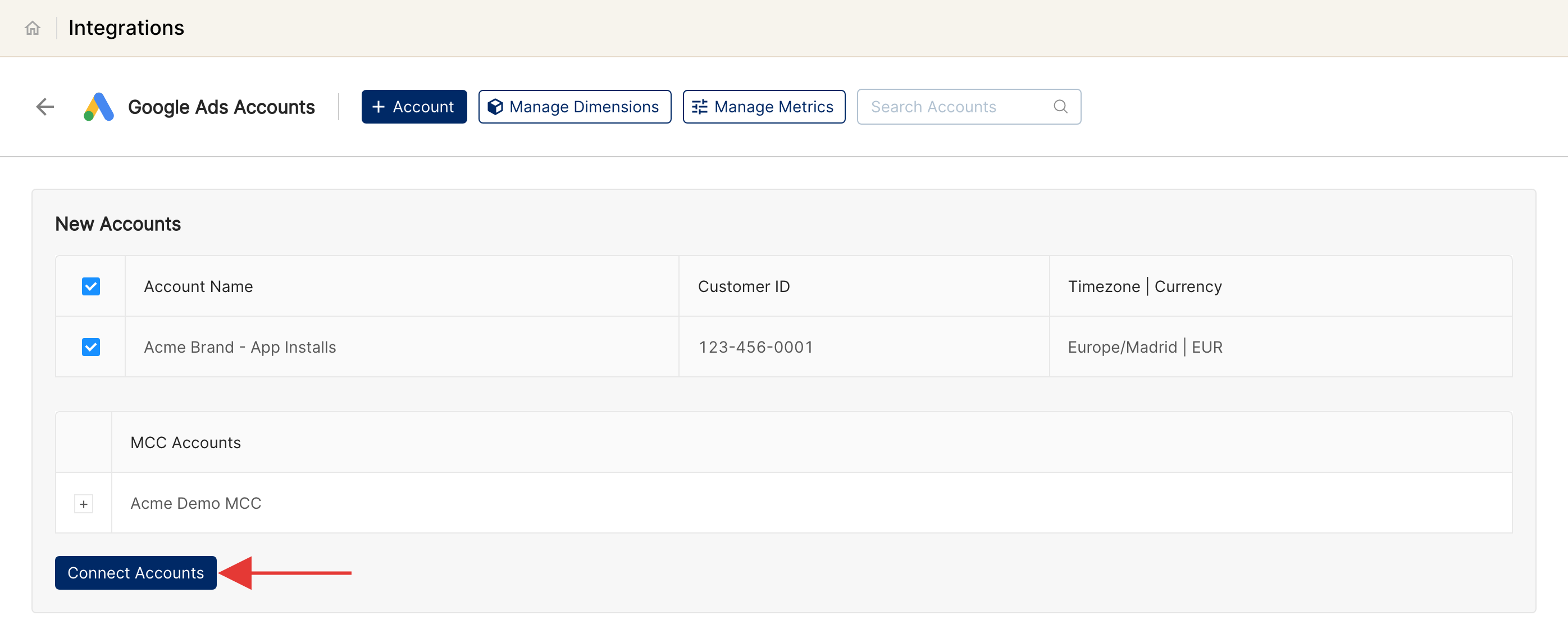
The selected accounts are now linked to Clarisights. Link your other advertising channels the same way.
Note: the integration steps for a few ad channels are a little different. You can find the details in each channel's help article.
Connect your analytics channels
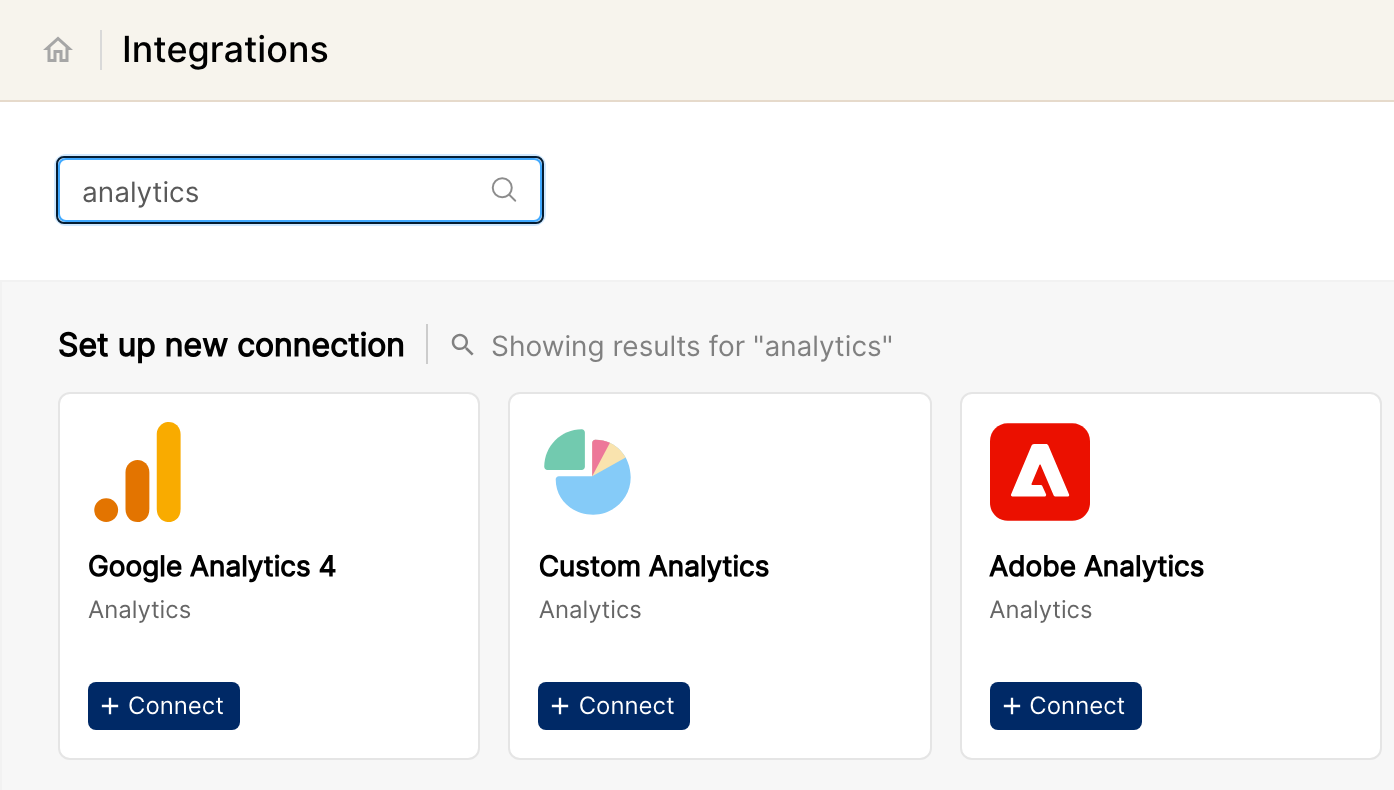
Once you've linked your ad channels, link your analytics channels the same way: search for them on the Integrations page (or click See All) and click + Connect.
What's next
Congratulations, you've successfully signed up on Clarisights. We'll now get all your data together and create some sample reports to help you get started. This typically takes 72 hours, and we'll email you as soon as they're ready.
Meanwhile, you can invite your teammates. See Adding users and managing their roles.