
Metric Group: Creating and using a metric group
Every marketing team has a list of KPIs (metrics) that it uses in its reports. The most common ones are Cost, Revenue, ROI, Acquisitions, CPA, Installs and CPI. Most of your reports probably use the same list of KPIs. Metric groups in Clarisights let you group your favourite KPIs.
Why use a metric group?
Create reports faster
Add all the metrics of a metric group at once instead of adding each metric separately.

Stay in sync with your teammates
A fixed set of KPIs keeps all marketing teams working from a single source of truth, rather than everyone using different metrics. Every metric group you create on Clarisights is shared with all users by default, so your whole team stays aligned on the same KPIs.
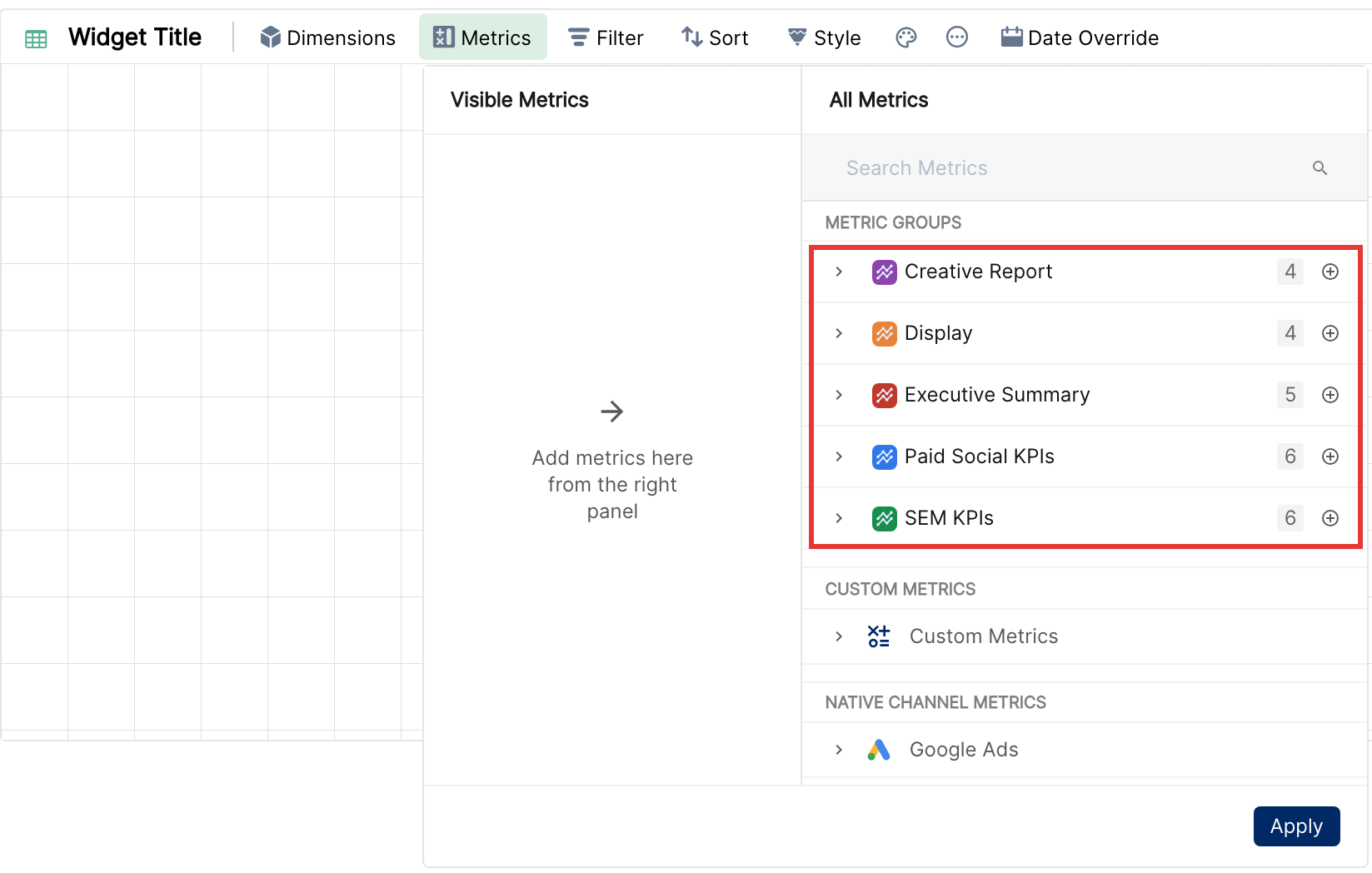
How to create a Metric Group?
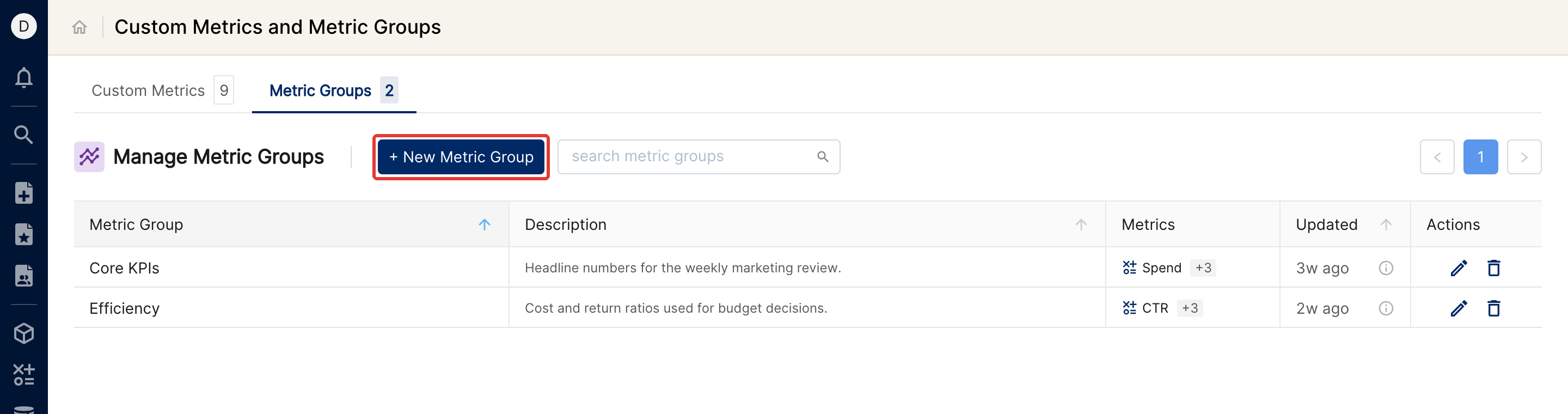
Click the Custom Metrics icon in the left sidebar.
Open the Metric Groups tab and click + New Metric Group.
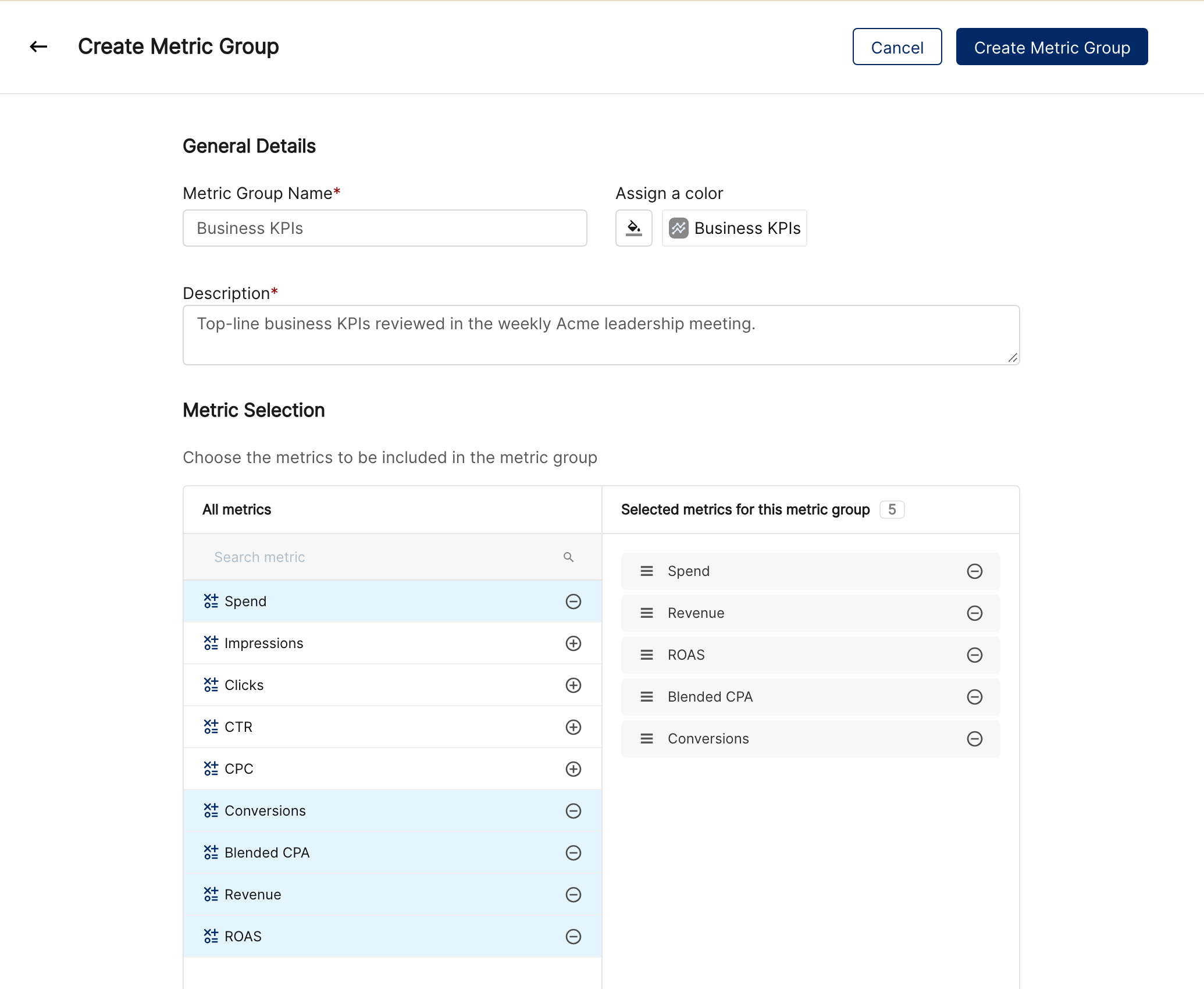
Enter a Metric Group Name and a Description (both are required) and, optionally, assign a color.
Select the metrics and add them in the order you need.
Click Create Metric Group.
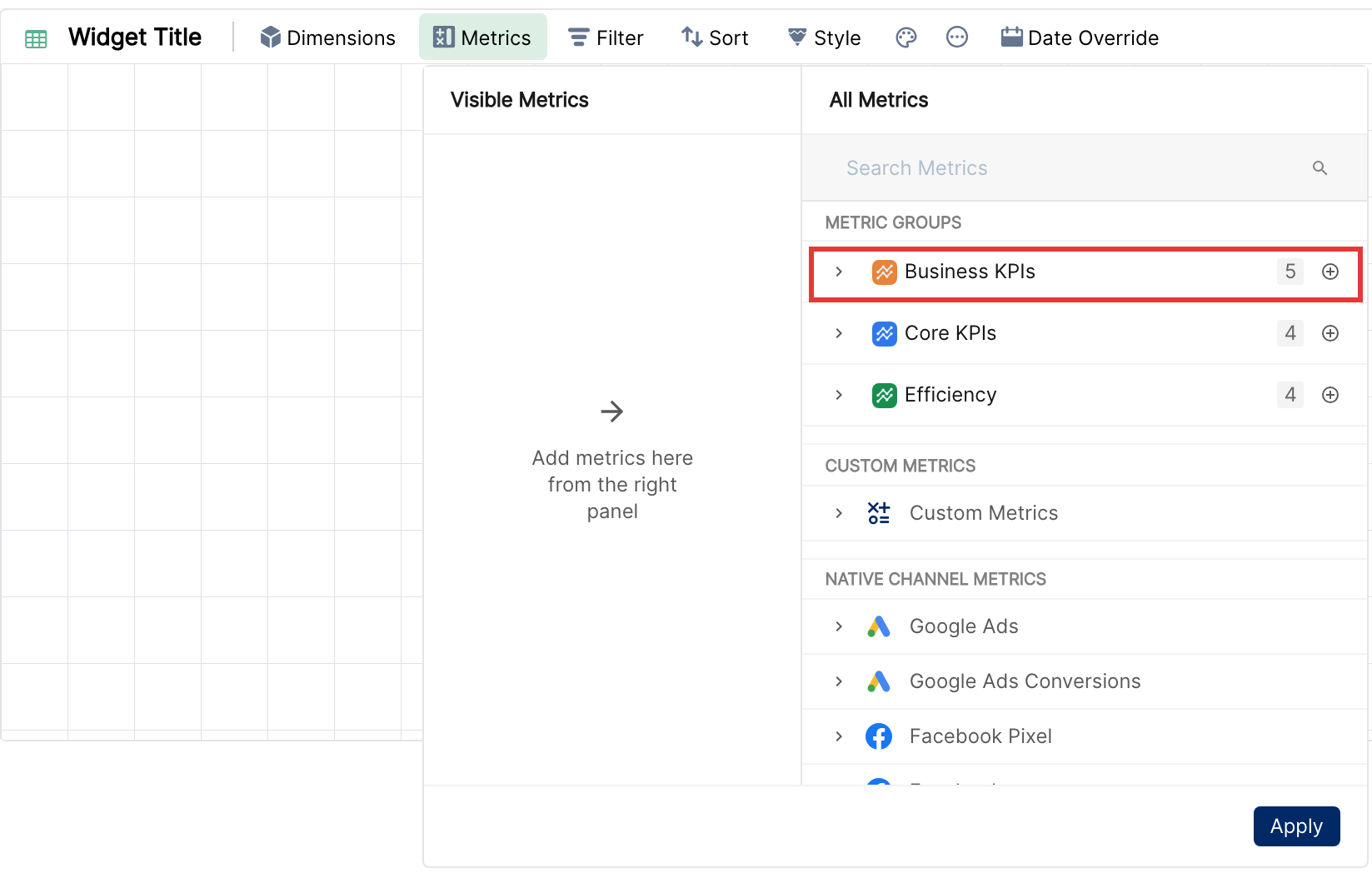
The new metric group (Business KPIs in this example) now appears in the metric selection box.
Next, learn how to choose specific dimensions and metrics for a report.