
Editing report properties
Open the report whose properties you want to edit.
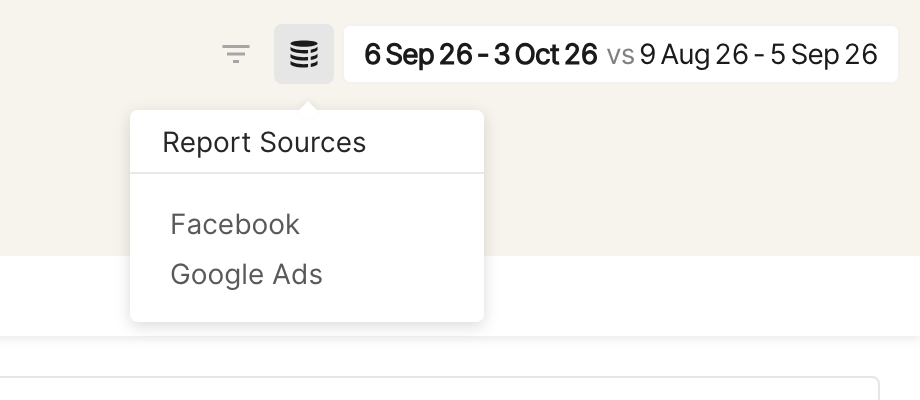
Hover over the database icon at the top right, next to the date picker, to see the report segments (data sources) chosen under Report Sources. Click the icon to open the report settings.
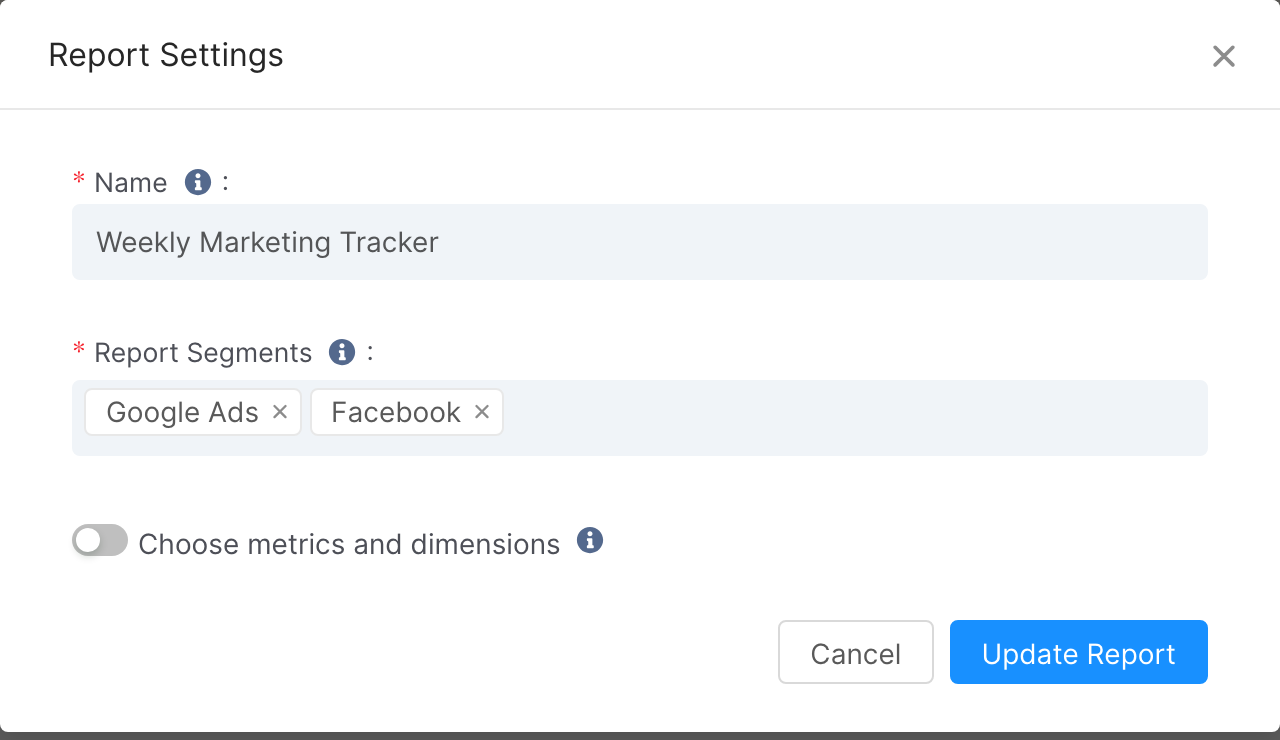
In the popup, change the report's name and report segments. You can also choose a limited set of metrics and dimensions to show in the report.
Click Update Report when you're done. A "Report updated successfully" alert confirms the changes are saved.
Report segments can be native segments or custom segments. Native segments are the advertising channels; the analytics sources linked to these advertising channels are included automatically.
To learn more, see:
Report Glossary, for the overall structure of a report