
Configure Quick Filters
Quick filters let you slice the data in a report easily. Add the most commonly filtered dimensions as quick filters so that everyone using the report can filter the data quickly.
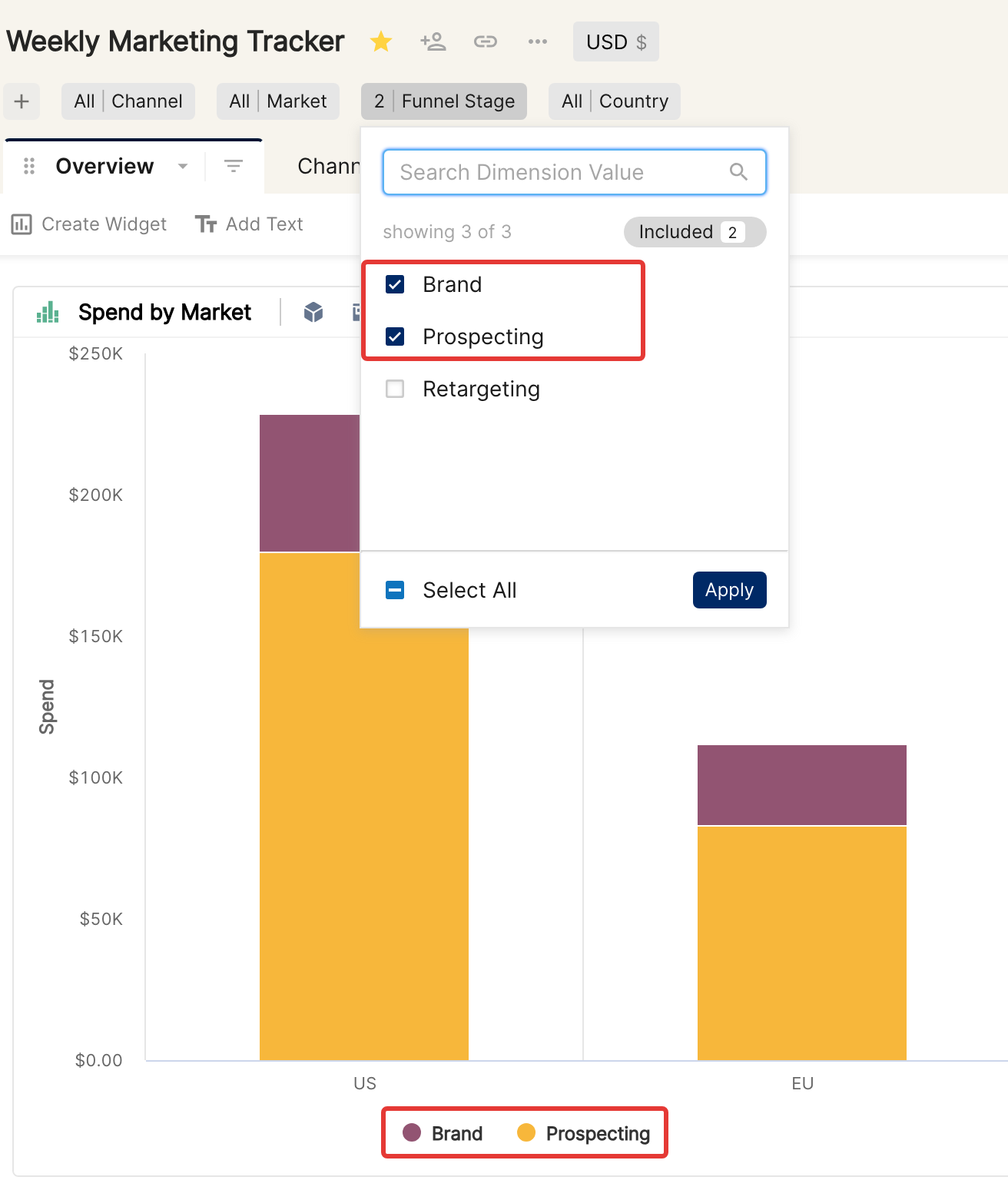
Why Quick filters over the Tab or Widget filters?
Quick filters are temporarily saved on the report. Use them to explore data without making permanent changes to the report.
As the name suggests, users can add Quick filters quickly, unlike tab or widget filters where they have to choose the dimension and the filter condition.
Before you begin
To configure quick filters (add or remove them on the report), you must be the Creator of the report.
See Sharing reports in Clarisights to understand the different permission levels.
Adding a Quick Filter
If you are the Creator of the report, you will see Add Quick Filter under the report name. Click it and choose the dimension you'd like to add as a Quick filter.
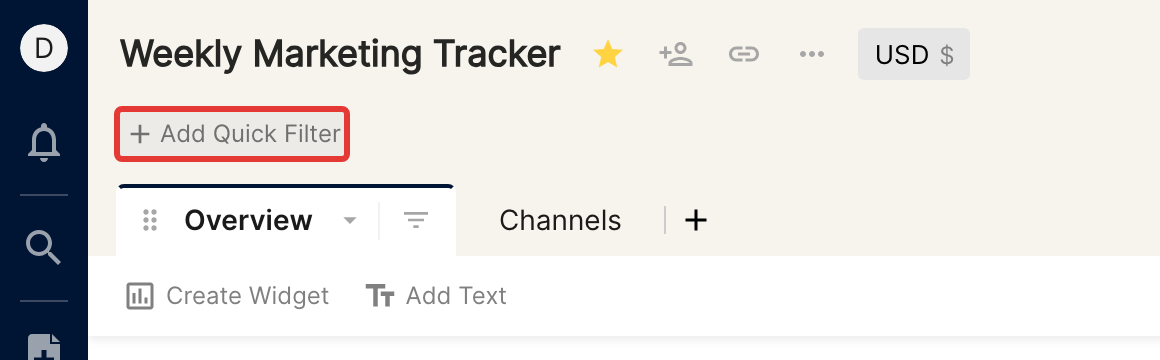
Add the most commonly filtered dimensions as Quick filters. You can add up to 10 Quick filter dimensions to a report.
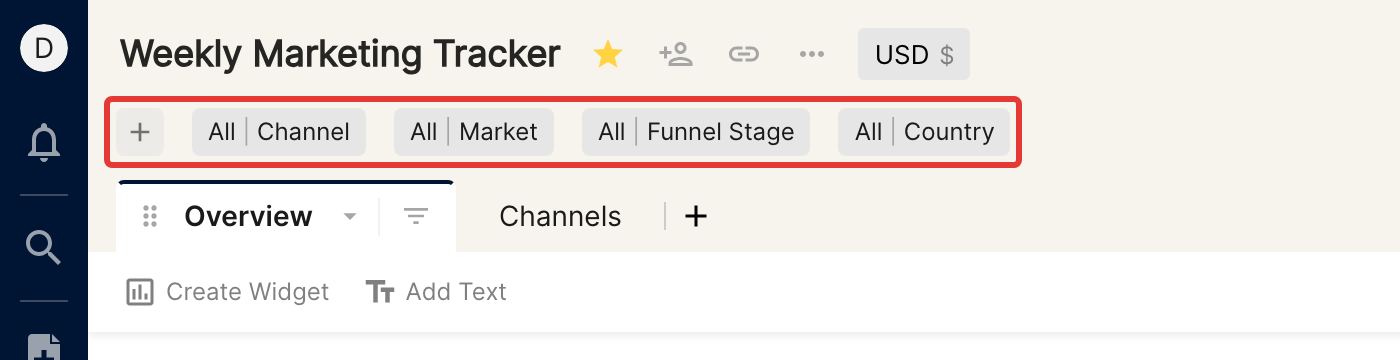
Once you have added Quick filters to a report, all users of the report, including explorers and editors, can use them to filter the data.
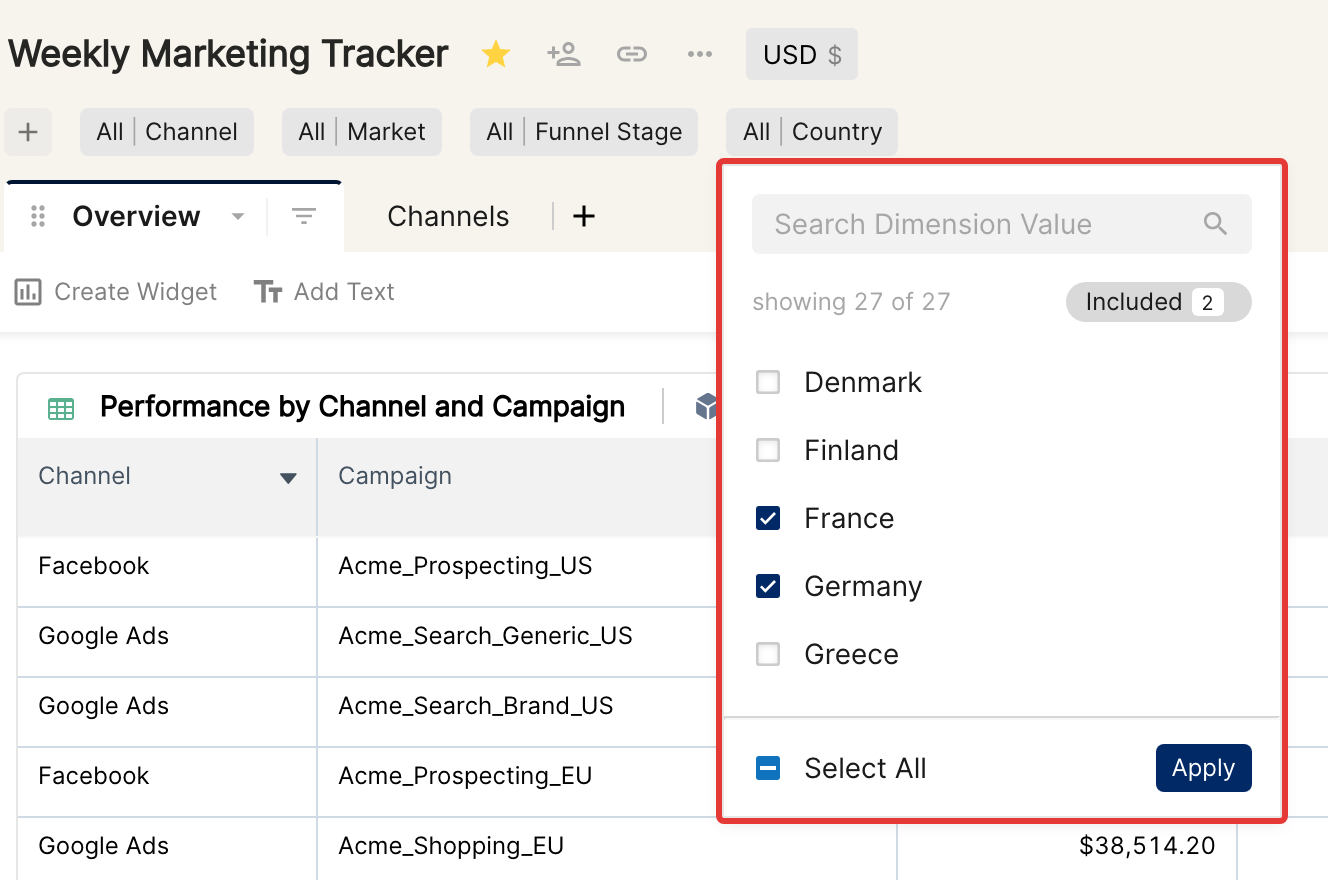
Do not use a Quick filter as a Contains filter
A Quick filter loads at most 1,000 values of a dimension at a time. Avoid using high-cardinality dimensions such as Campaigns or Ads as Quick filters, because not all of their values will be listed in the dropdown.
For example, if you type sem in a Campaign Quick filter and click Select All, it may look like all campaigns containing sem are filtered. But only the values loaded in the list (at most 1,000) are selected, so campaigns beyond that limit are not included. To filter on a text pattern such as "contains", use a tab or widget filter instead.
Hide/Unhide Quick Filters
To hide the quick filters during a presentation or audit, click the filter icon shown in the image below. This hides (or unhides) the quick filters section for the current session.

We'd love to hear how Quick filters are helping you in your reports.