
Locking a report
Locking lets you share reports with other users without allowing them to make permanent edits. All changes users make on a locked report revert to the original state at the end of a session or on a report refresh. Once a report is built, we recommend locking it, since you usually want to do ad-hoc analysis without changing the report.
Any user with creator-level access to the report can unlock it again. These states show you the report's status:
Edits are being saved: you are an editor or creator of the report, and the report is not locked.
No edits are being saved: you have explorer access to the report and/or the report is locked, so your changes are not being saved.
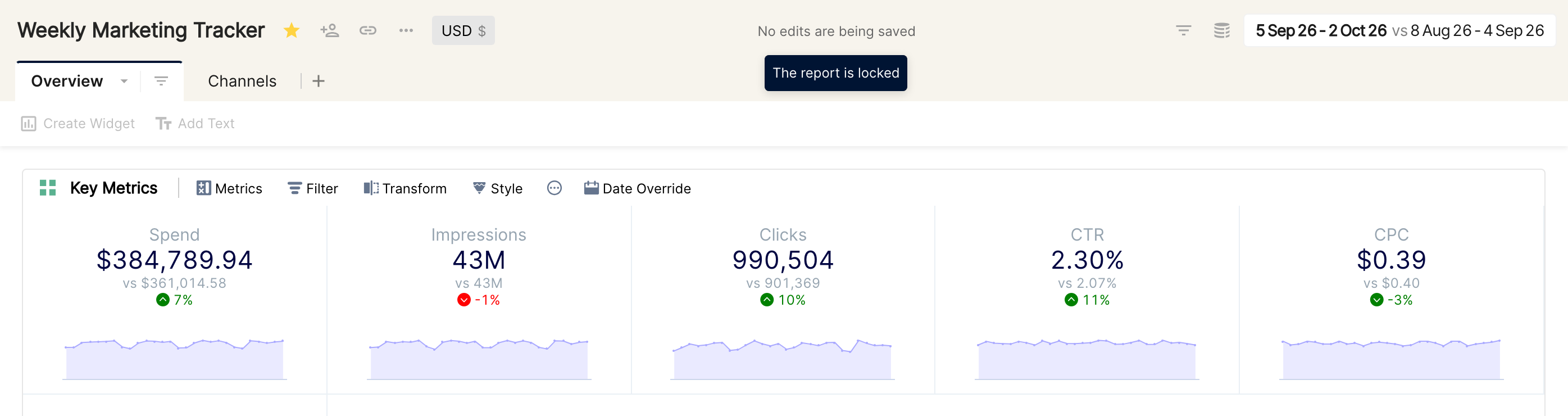
Tip: lock important reports that several people in your team use, so that ad-hoc changes made by creators or editors don't affect other users' views.