
Pie chart widget
Pie charts are the classic way to show how a metric splits across the values of a dimension. They give the reader a quick idea of the proportional distribution of the data.
A pie chart needs exactly one metric and one dimension. You can't show several metrics in one pie chart.
Ratio metrics (such as CTR or CPC) can't be used.
You can filter out data you don't need.
The slices are sorted by the metric by default.
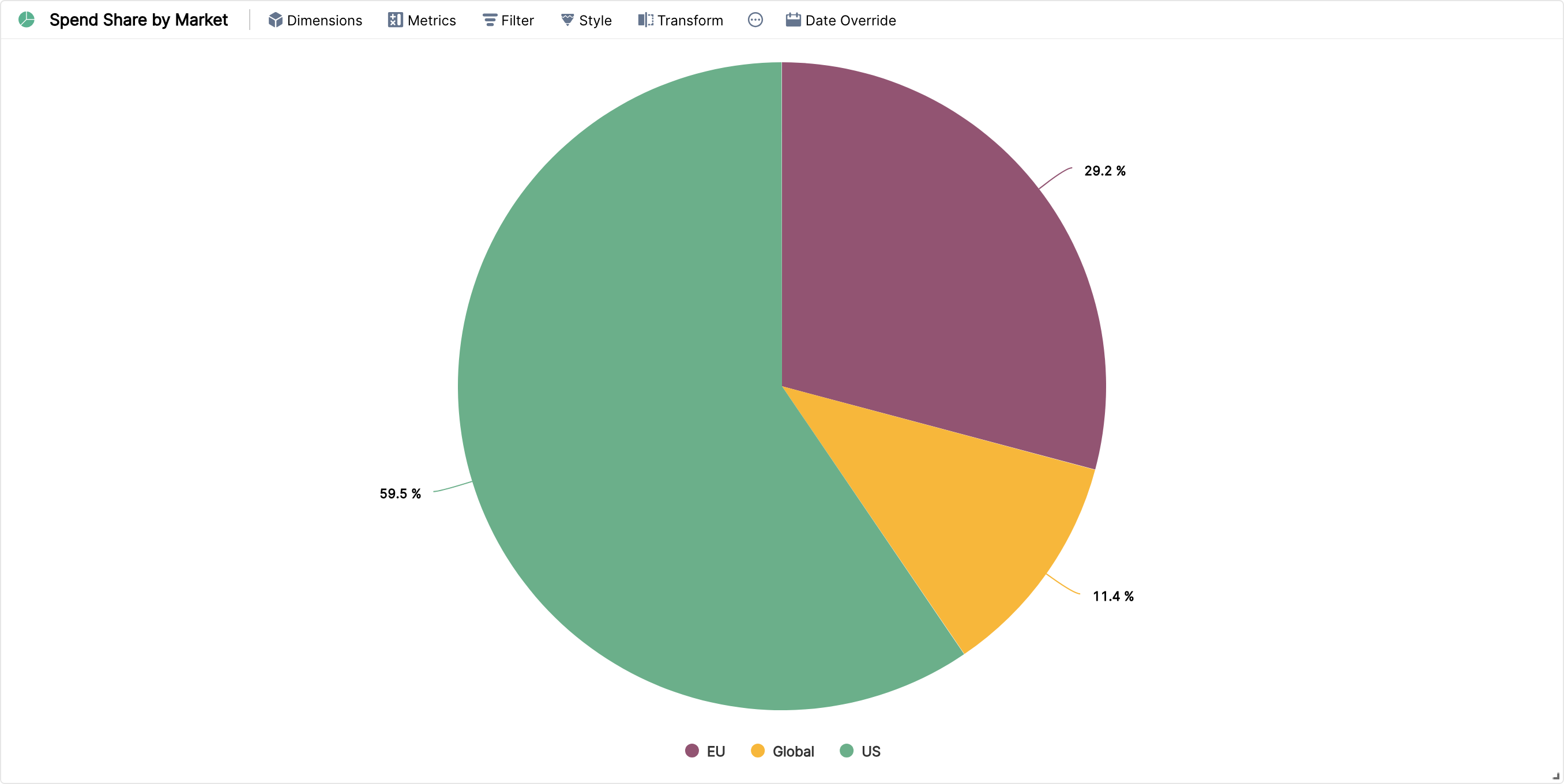
Pie charts work well for showing the distribution of spend, conversions or revenue across segments like channel, country or device.
Under Style, No. of Slices lets you show 5, 10 or 15 slices. All other values are grouped into "Others".