Tile widget

Tiles show aggregate values of metrics. You can add filters and comparisons, but dimensions and breakdowns are not supported. Tiles work best for a quick overview of the performance of a channel or campaign type, such as web vs app or brand vs non-brand.
Creating a Tile widget
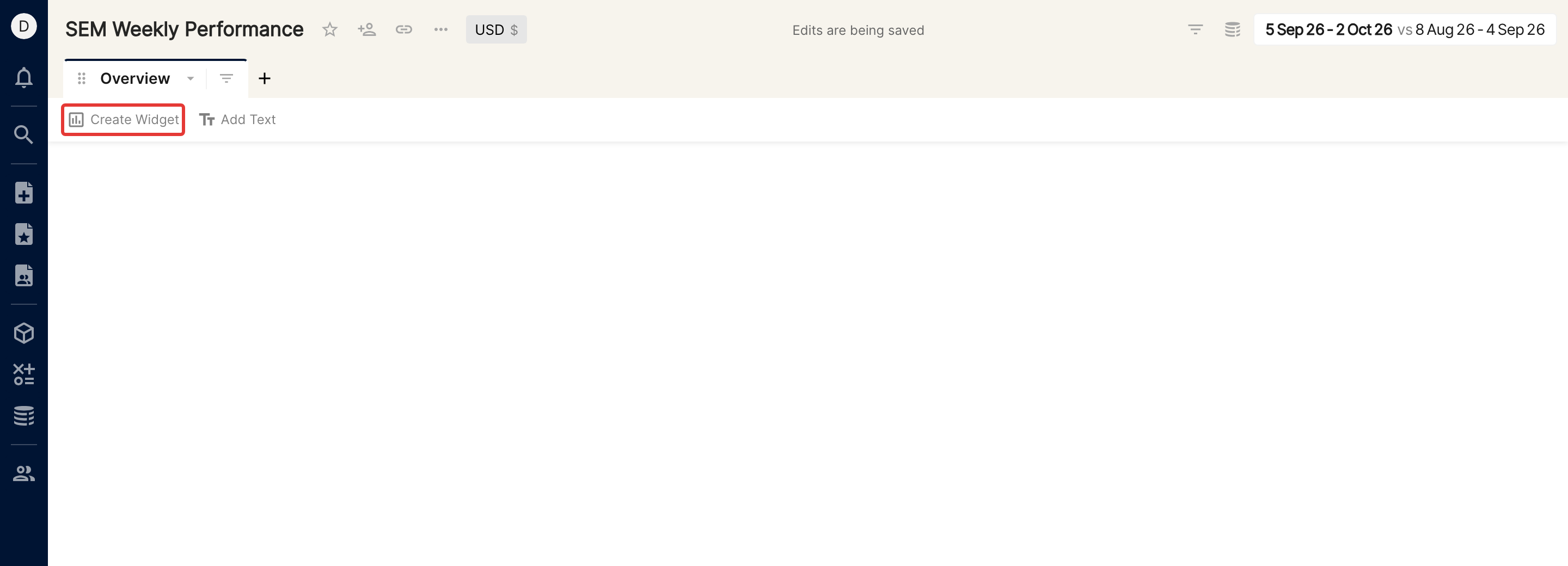
Click Create Widget below the tab bar.
Select the Tile icon in the widget type bar.
Add the metrics you want under Metrics and click Apply.
Click Done to create the widget.
Tile options
In the more options menu (the "..." icon) of the tile widget, turn on Show Comparison and Trends (a sparkline in each tile).
Under Style, change the alignment of the tiles.