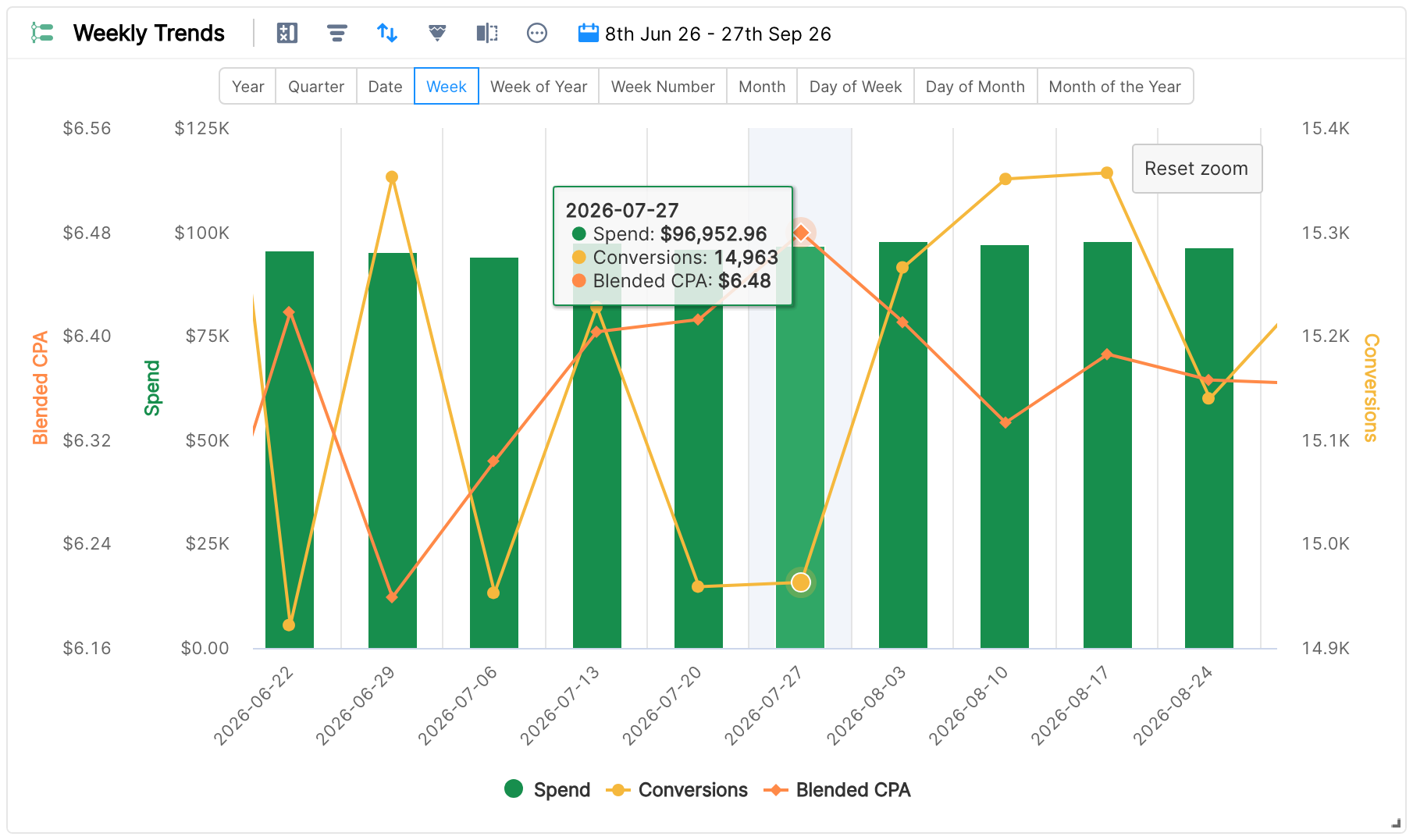
Timeline chart widget
Timeline Chart
A timeline chart shows how a set of metrics trends over time. The time unit can be a year, month, week, day or any given set of days.
In this example the metrics are Spend and Conversions. Since it's a timeline chart, the dimensions are units of time.
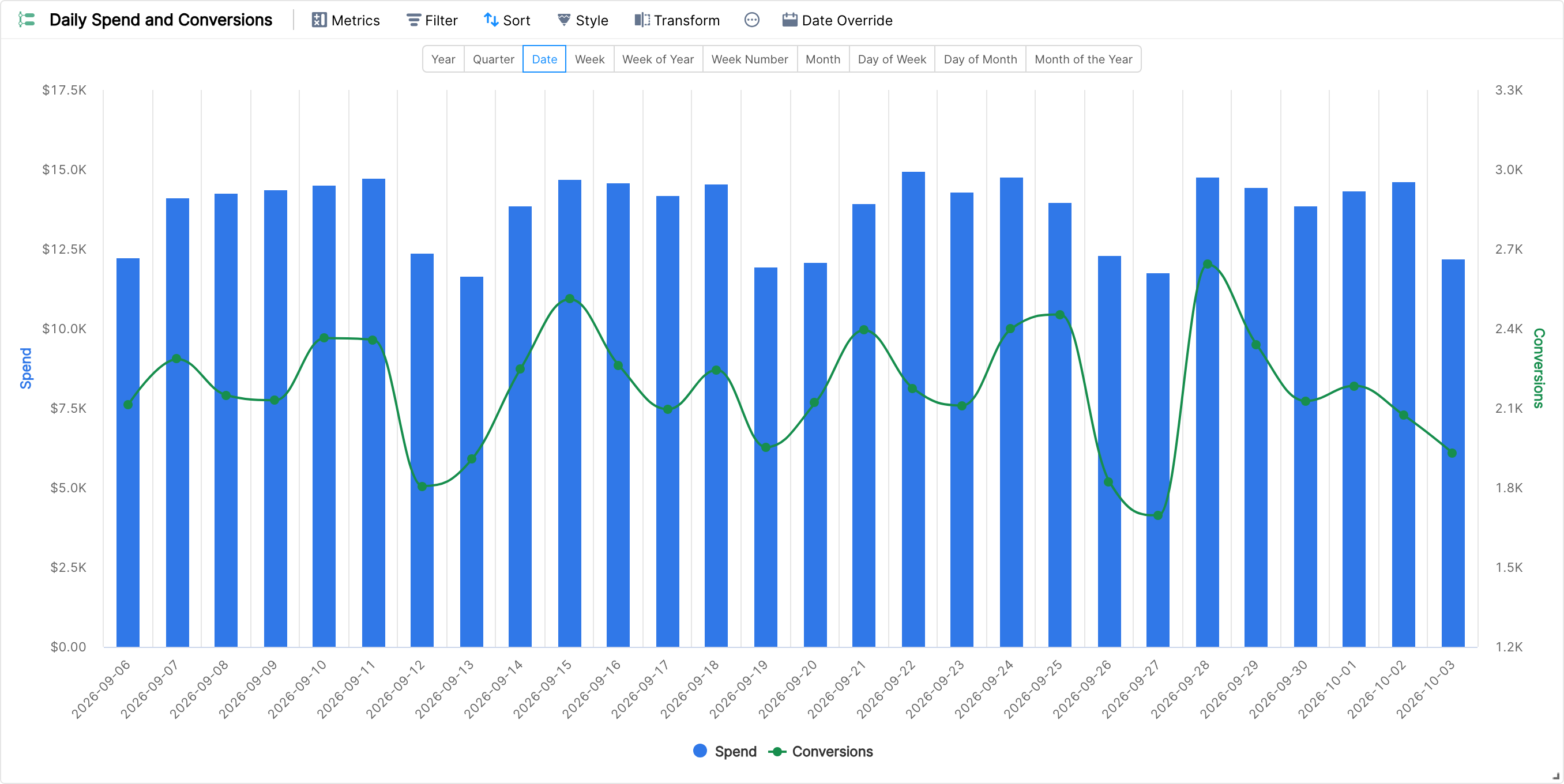
The duration picker above the chart lets you choose the time unit. It has ten options:
Year
Quarter
Date
Week
Week of Year
Week Number
Month
Day of Week
Day of Month
Month of the Year
The timeline chart has the same styling features as the Combo chart: you can show each metric as Spline, Line, Column or Area.

Like all charts, it supports zoom: click and drag your mouse to define a range.